The App
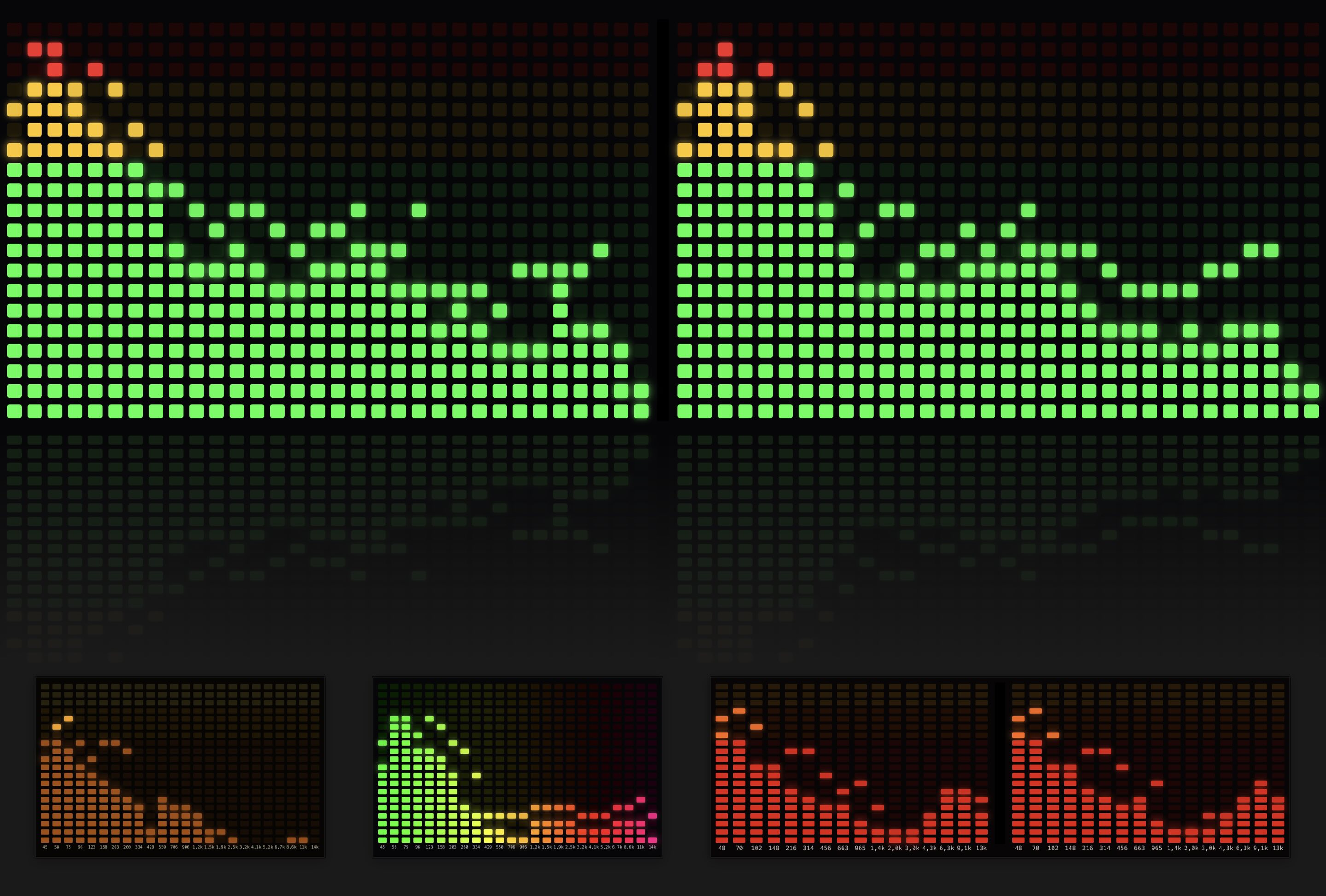
SpectrumViz is a menu bar app that turns your Mac's audio into columns of glowing LEDs, like the display on a hi-fi amplifier. Music, video, games: if your Mac plays it, SpectrumViz shows it. Park it in a corner of the screen, float it above your other windows, or run it full screen.
Features
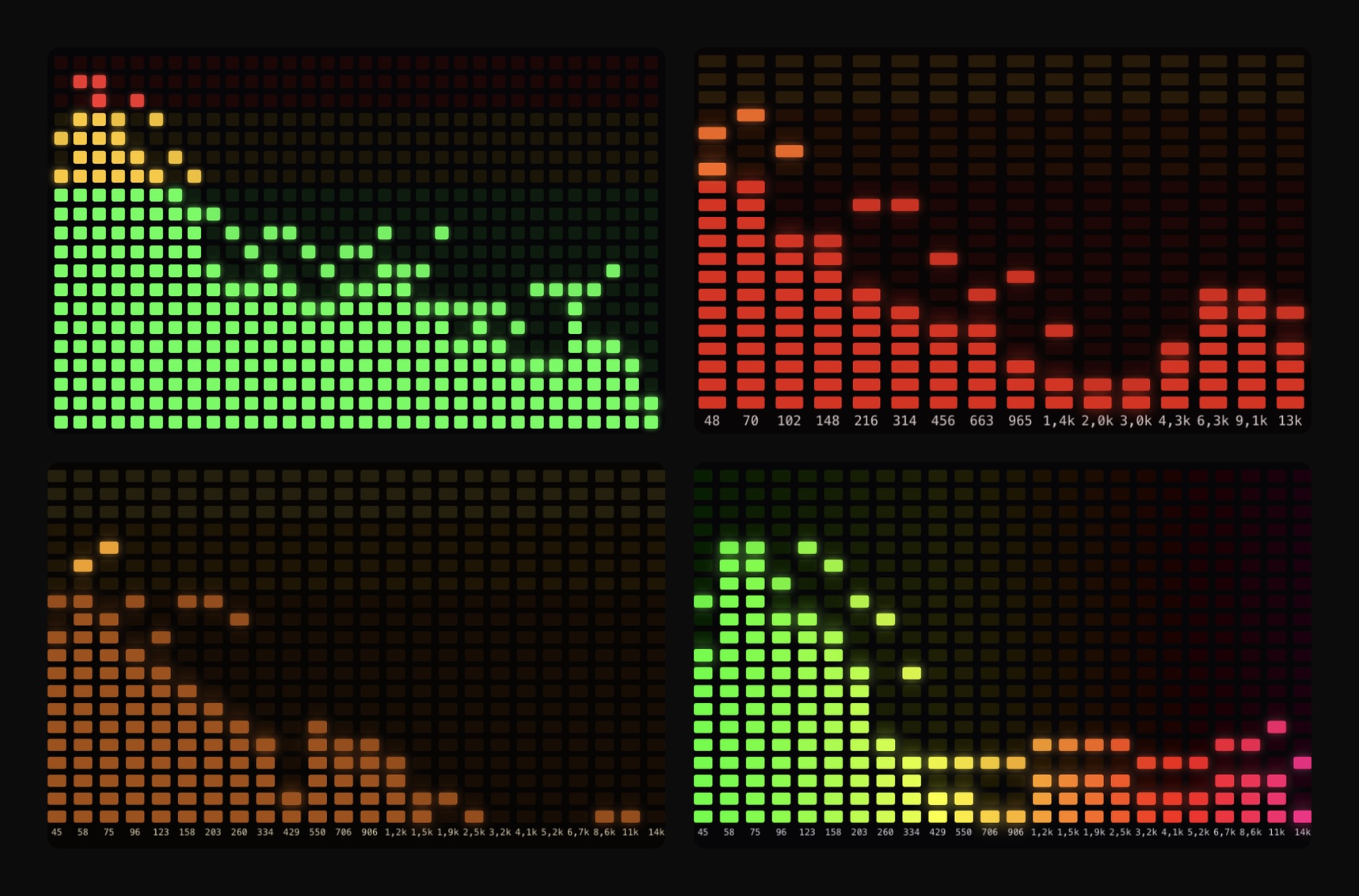
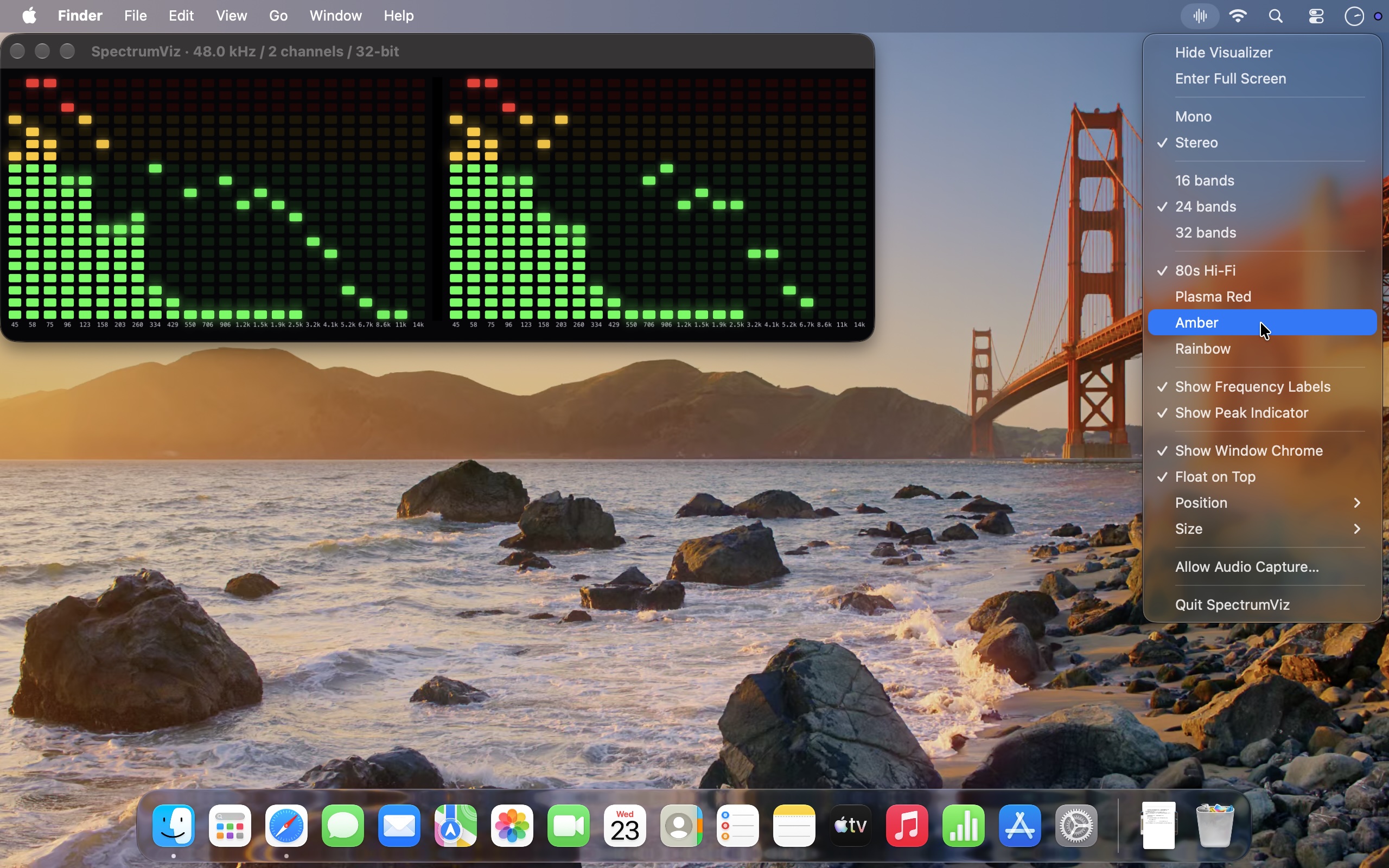
- Four LED Color Schemes - 80s Hi-Fi, Plasma Red, Amber and Rainbow
- 16, 24 or 32 Bands - in Stereo or Mono
- Peak Indicator and Frequency Labels - switch each one on or off
- Position and Size - move it to Top Left, Top Right, Bottom Left or Bottom Right, at 10 to 50 percent of the screen width
- Float on Top - keeps the display above other windows
- Full Screen - its own Space, like any other Mac app
- Menu Bar Only - no Dock icon, everything is in the menu bar icon
- Audio Permission Only - never asks to record the screen, and no audio leaves your Mac
Mini-FAQ
Why does SpectrumViz ask to record audio?
macOS calls any access to the sound your Mac plays "recording". SpectrumViz only analyses that sound to light up the LEDs, and nothing is saved.
I clicked "Don't Allow" and the LEDs don't move
Choose Allow Audio Capture… from the SpectrumViz menu bar icon. It shows where to switch SpectrumViz on in System Settings and takes you there. Apple describes the same steps in Allow apps to record your system audio. Once it is on, choose Hide Visualizer and then Show Visualizer from the menu bar icon.
How do I turn the permission off or reset it?
Switch SpectrumViz off in the same System Settings pane, in the "System Audio Recording Only" list further down the page. The LEDs then stop moving. To switch it back on, choose Allow Audio Capture… from the menu bar icon, which takes you straight to that pane.